 30 days
Santa Ana, CA
Michelle T.
“
I didn't expect much, but my face wasn't as tight after showers. Even my derm noticed it looked less irritated.
M
Michelle T.
Santa Ana, CA
 14 days
“
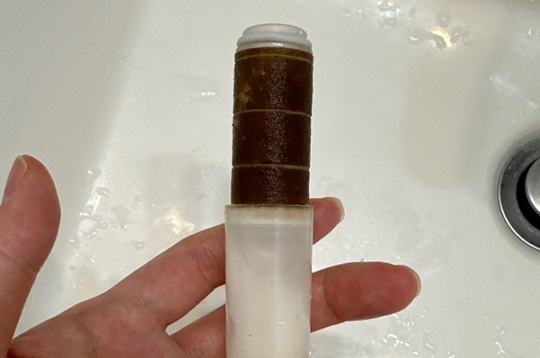
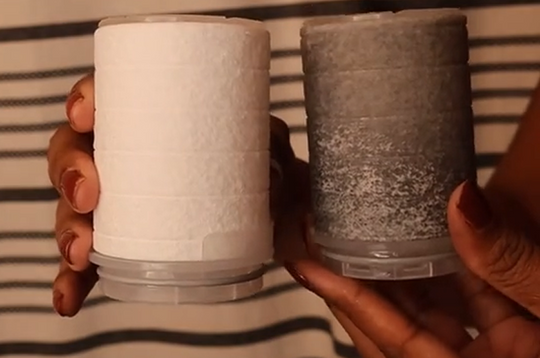
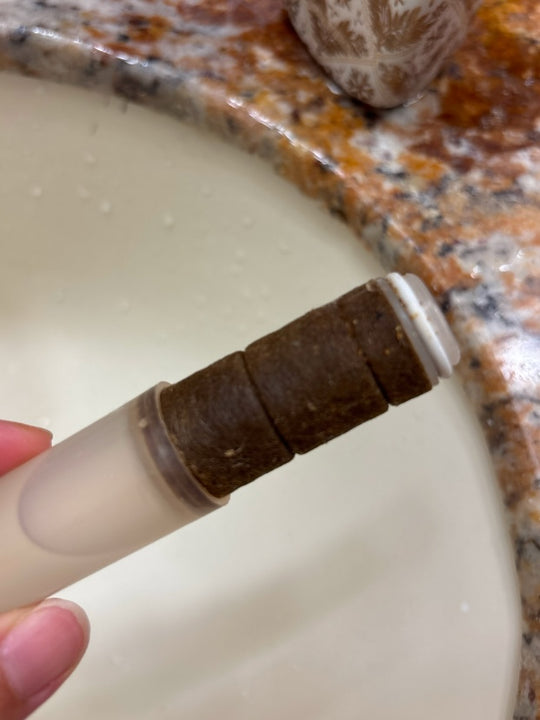
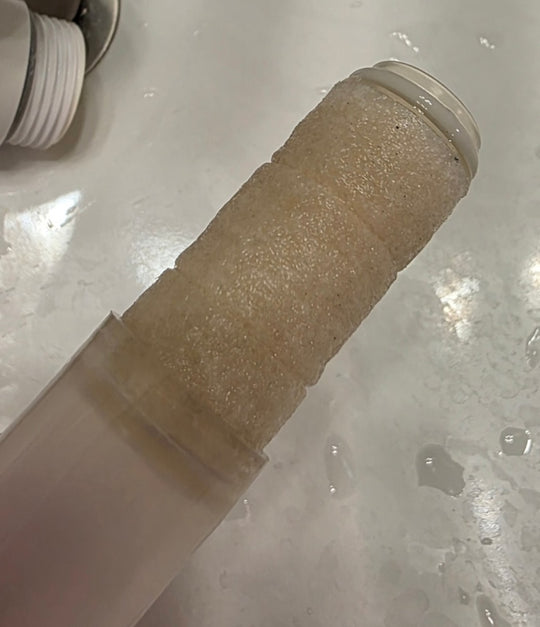
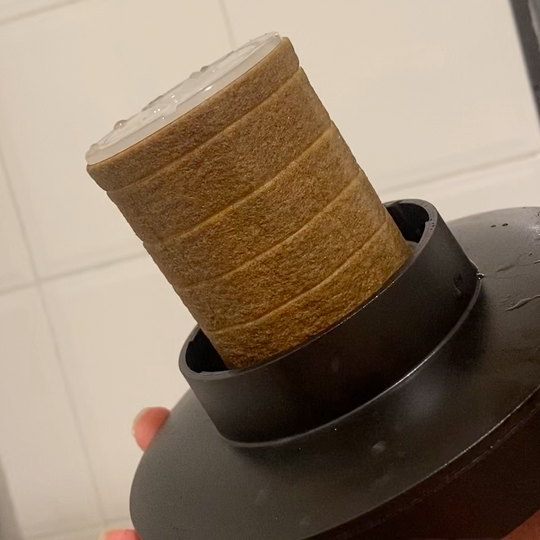
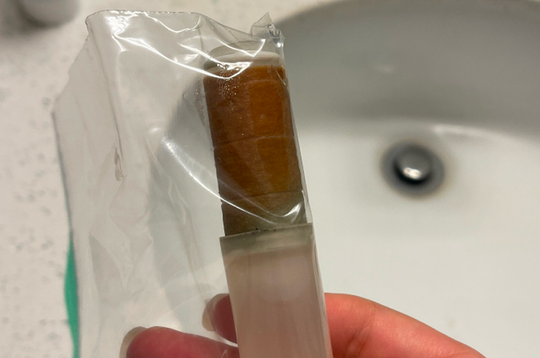
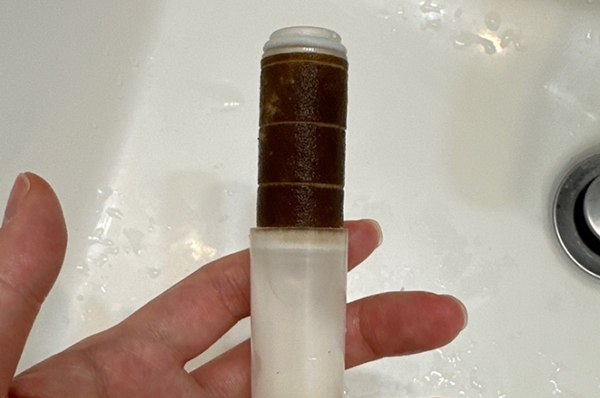
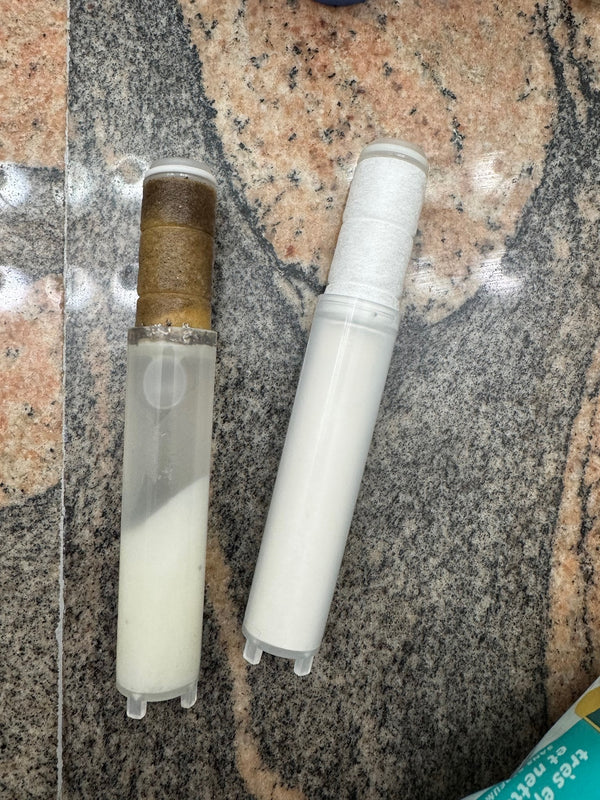
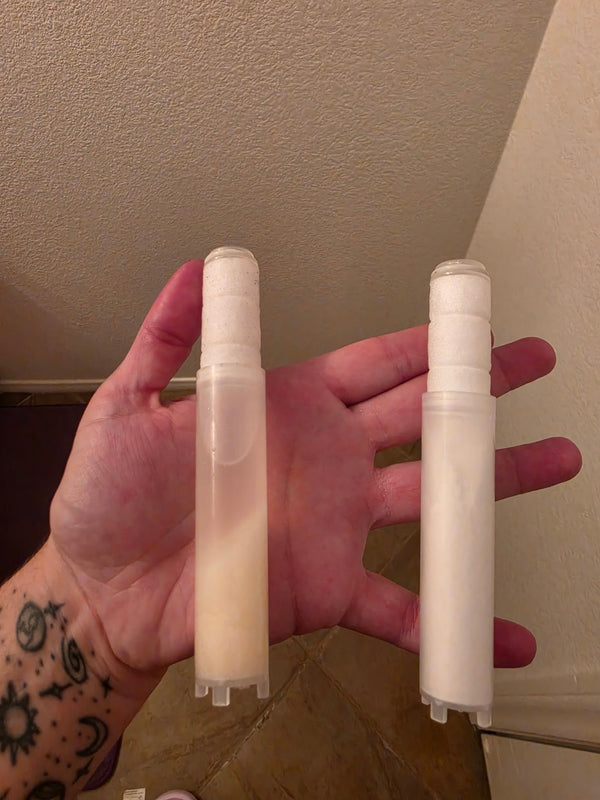
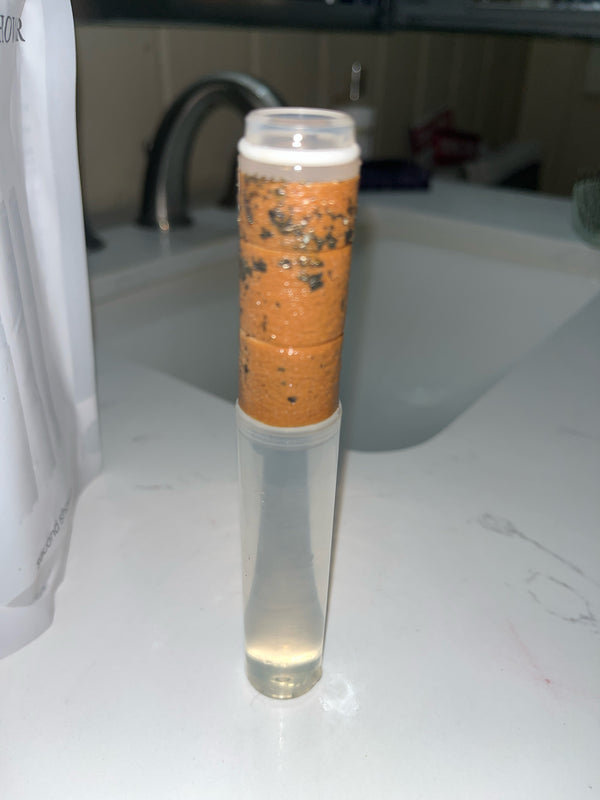
We put it on before bringing the baby home. Two weeks later the inside was brown, which was honestly kind of gross.
 40 days
“
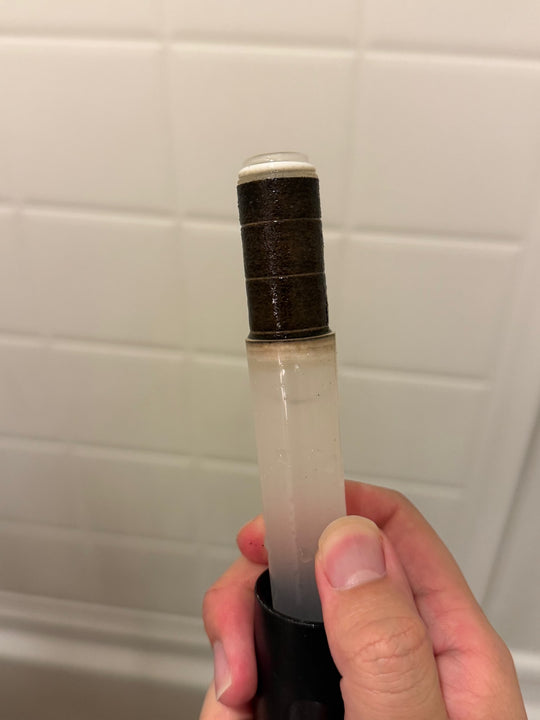
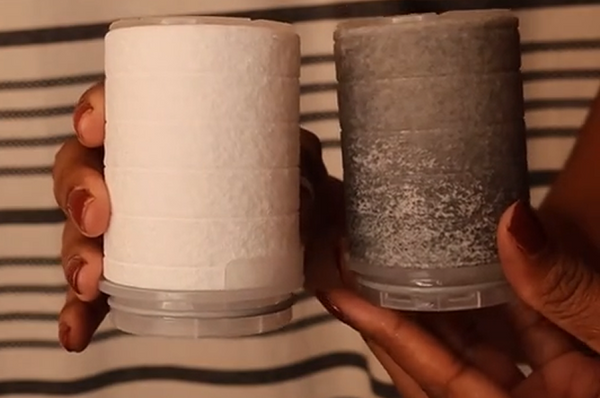
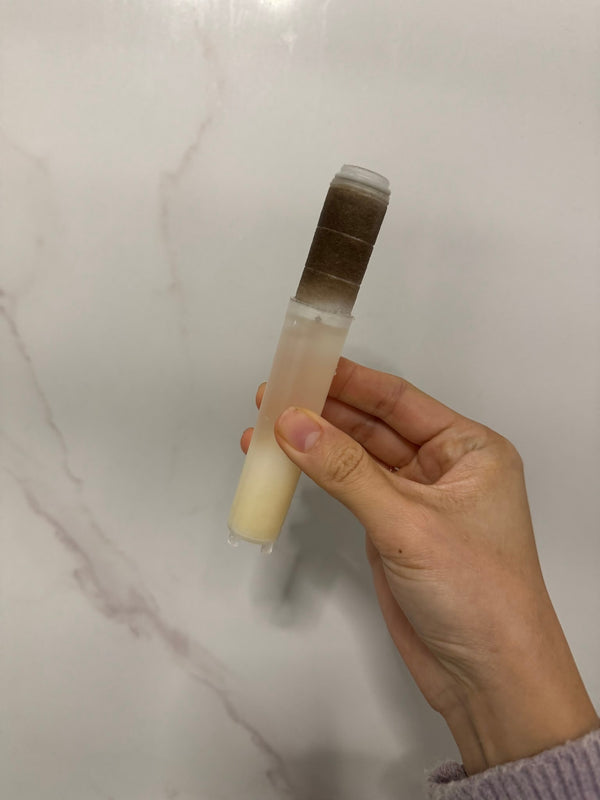
Chicago water always felt harsh, but seeing the filter after 40 days made it feel very real. My skin feels less dry too.
 30 days
“
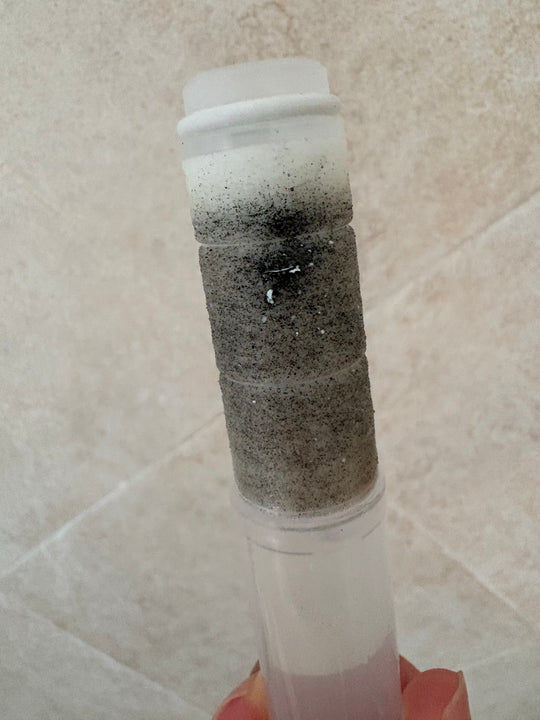
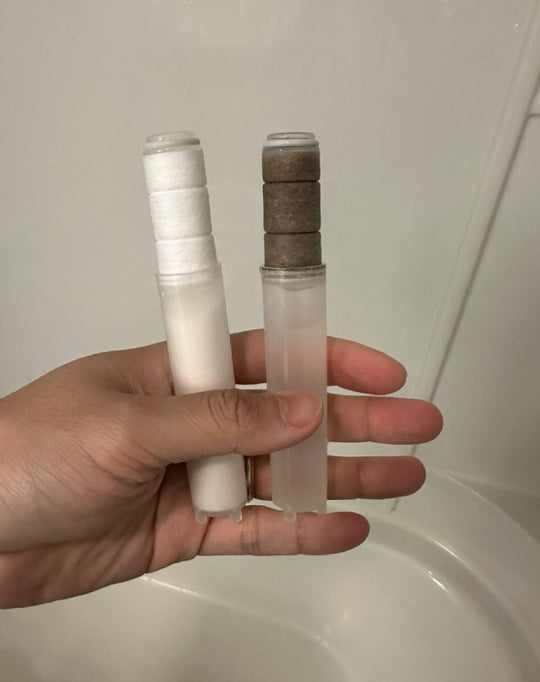
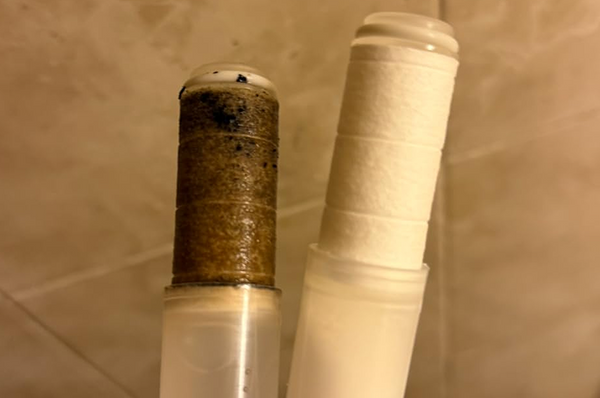
Wasn't totally sold at first. Then I opened it up after a couple weeks and yeah, it was not clean.
 30 days
“
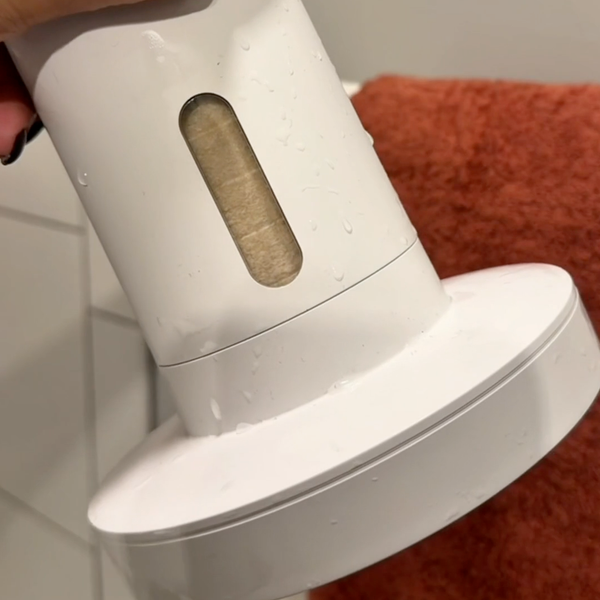
My hair still isn't perfect, but it stopped feeling like straw after every shower. That alone made it worth it.
 21 days
“
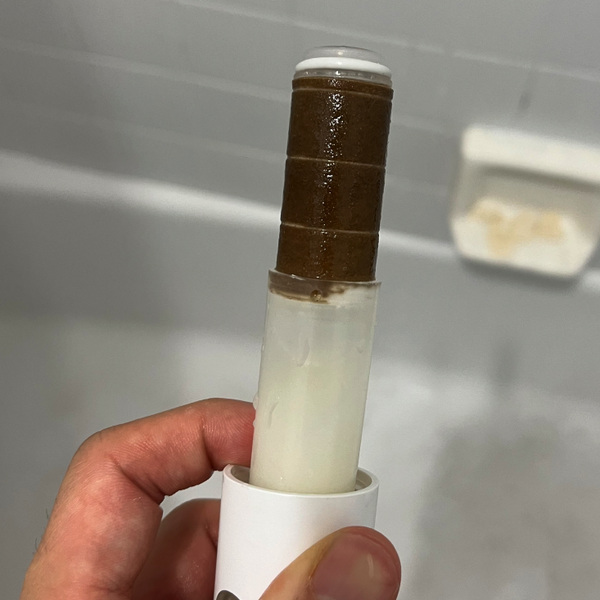
My arms usually get itchy after hot showers. It's not gone, but the flare-ups have been way calmer lately.
 40 days
“
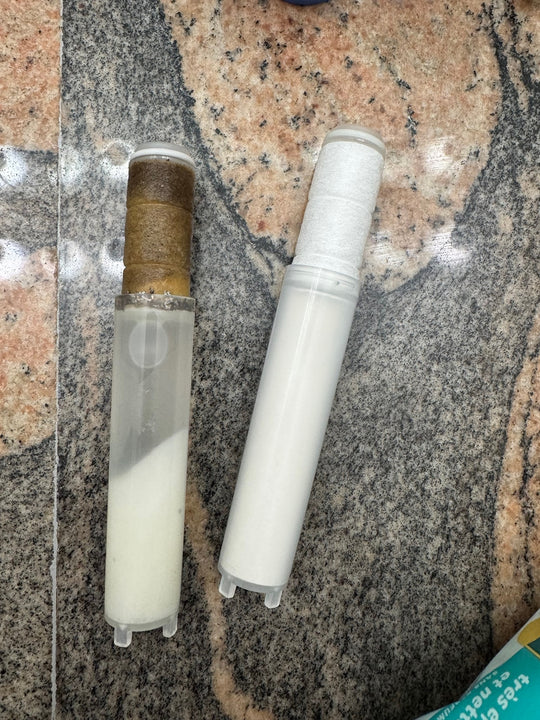
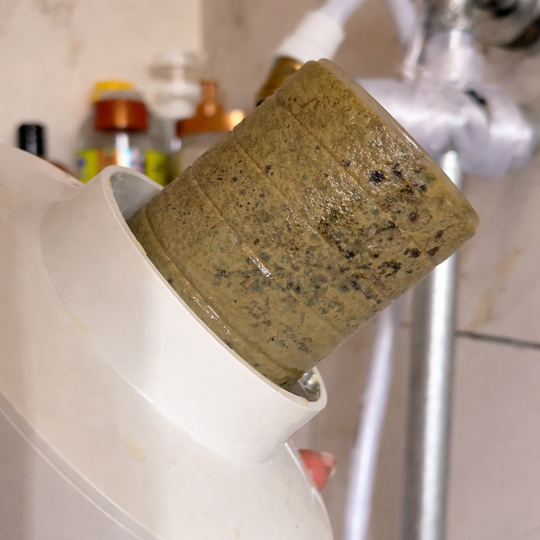
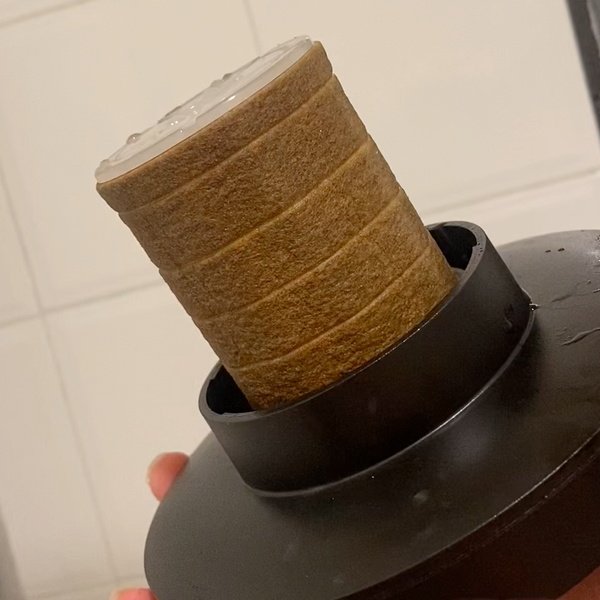
I showed my roommate the old filter because it looked nasty. She literally bought one the same night.
 21 days
“
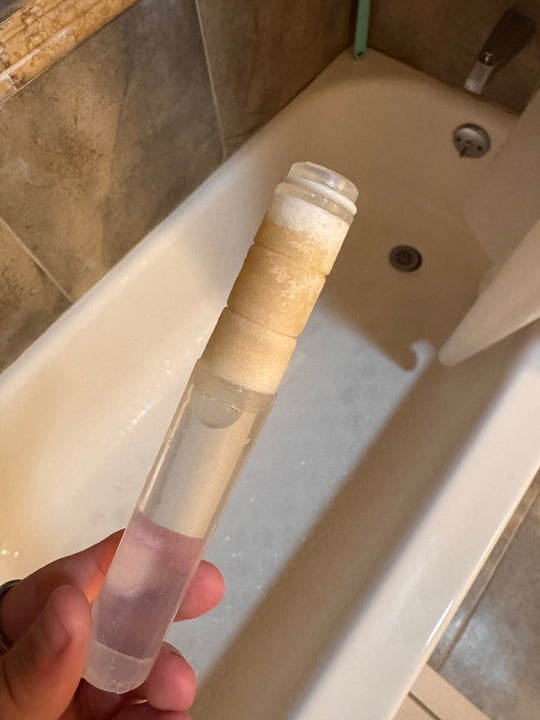
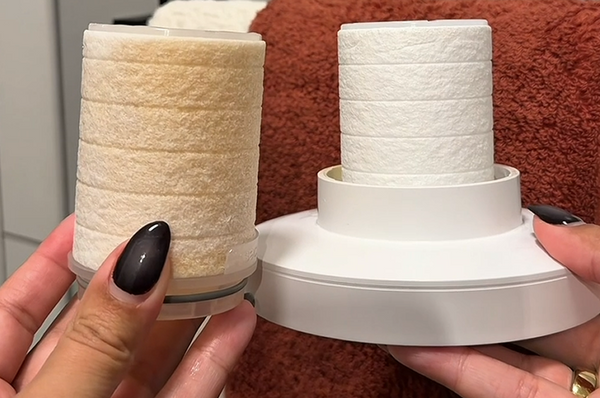
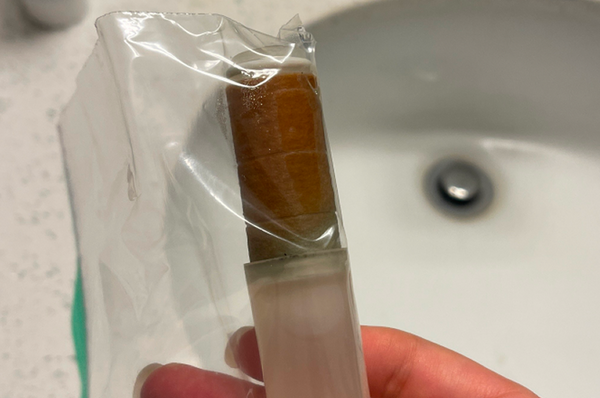
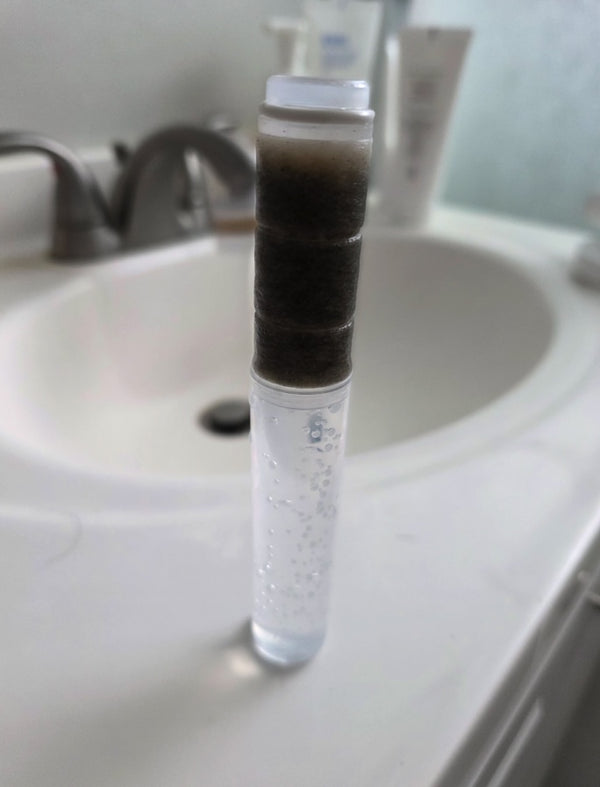
Tampa water looks clear out of the tap, so I wasn't expecting much. The filter turned brown way faster than I thought.
 21 days
“
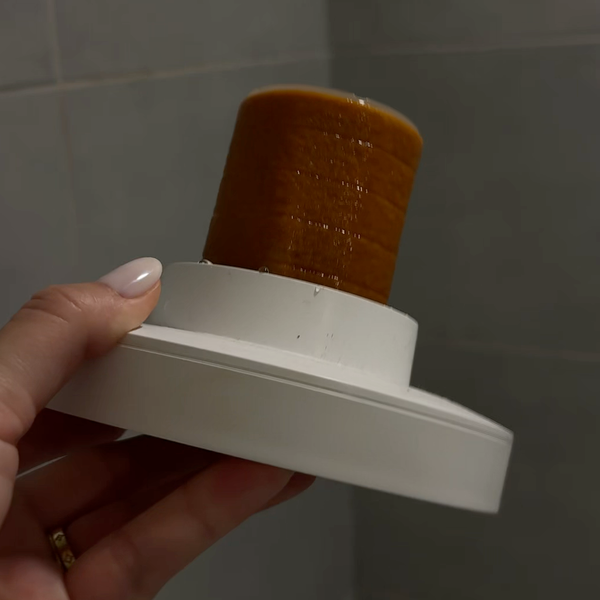
I always thought our water was pretty good. Three weeks later the filter looked like that, so I guess not.
 14 days
“
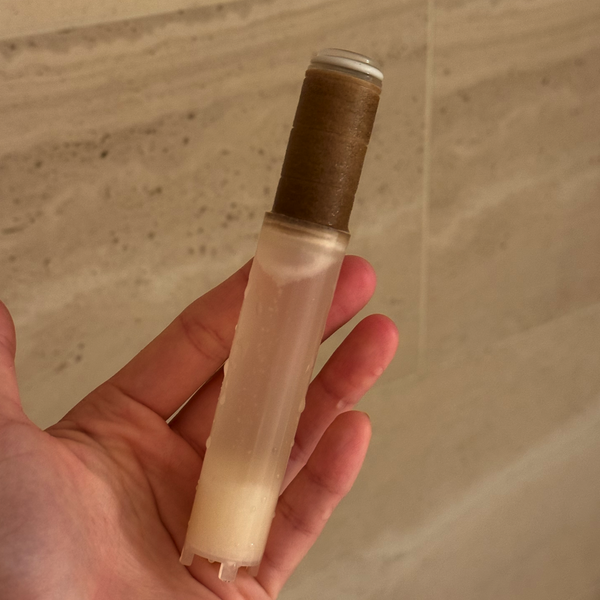
My curls are less frizzy after wash day. Not a dramatic overnight thing, just noticeably better after a couple showers.
 30 days
“
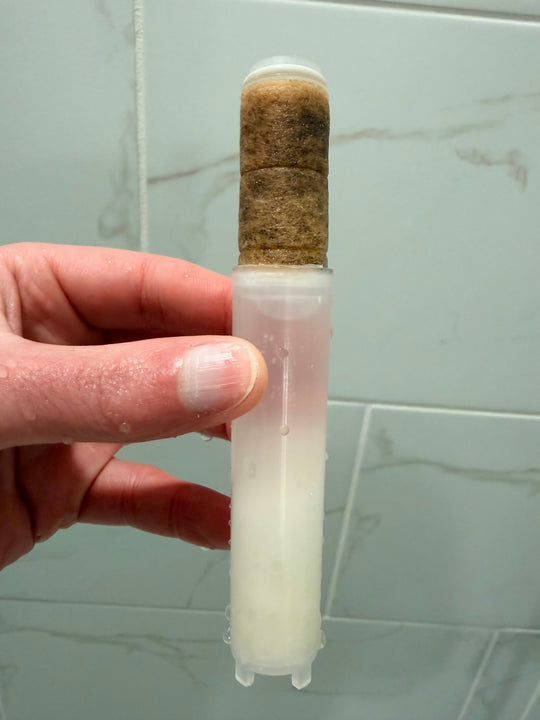
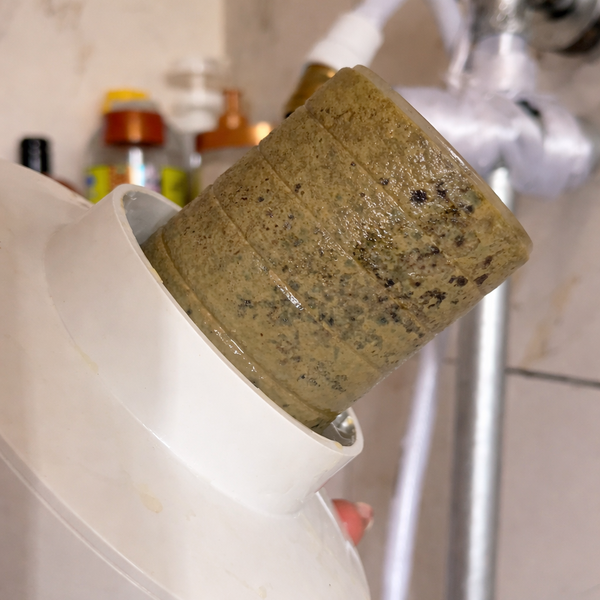
After a month in Miami the cartridge looked nasty. It made me rethink what I was showering in every morning.
 14 days
“
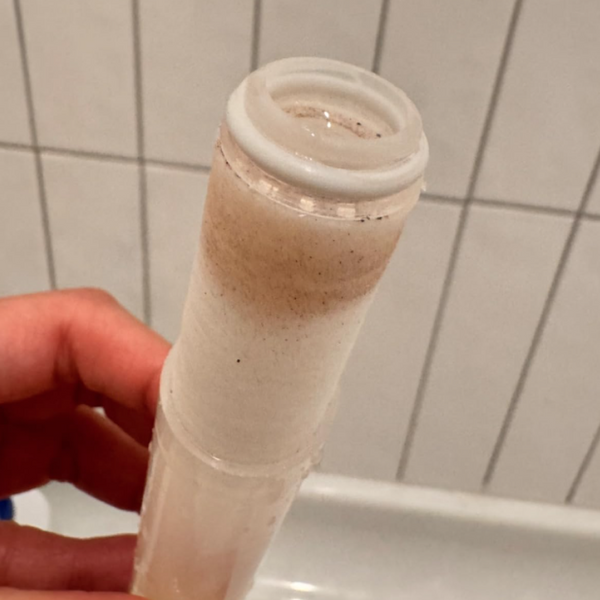
Old Queens building, old pipes, no surprise. Still wasn't ready for how much stuff this filter caught.
 7 days
“
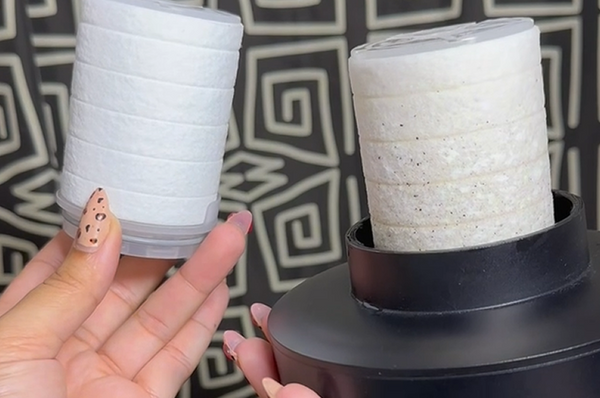
We got it for our baby's bath, but I ended up noticing it too. My skin doesn't feel as dried out after showers.
 21 days
“
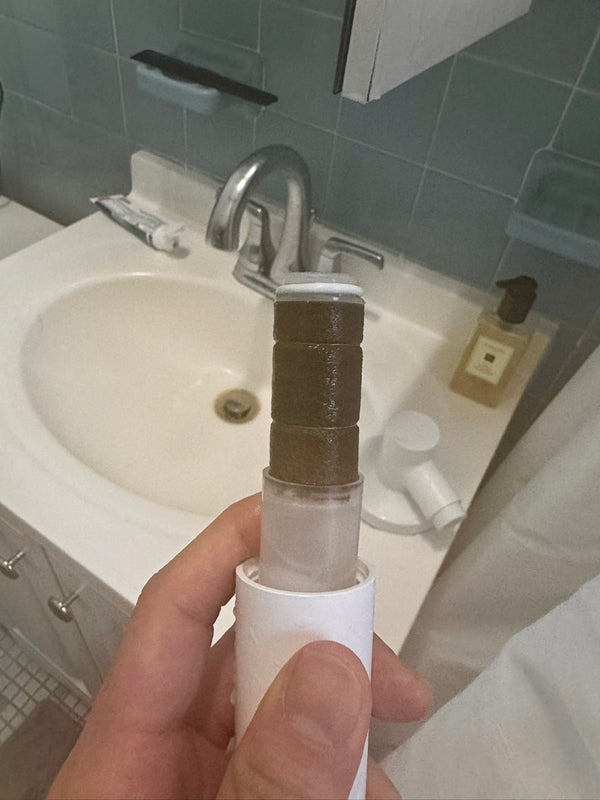
Atlanta water plus old apartment pipes is a bad combo. The filter color changed quick, which was a little unsettling.
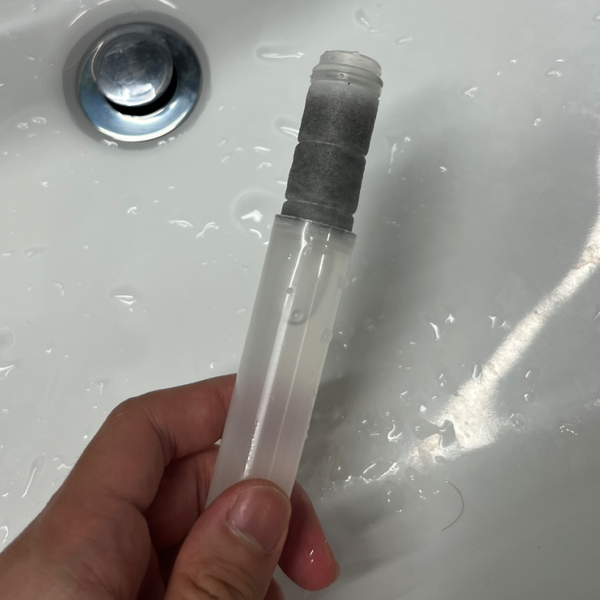 14 days
“
I'm a hairstylist and I hear 'my hair feels coated' all the time. This is an easy thing I tell people to try.
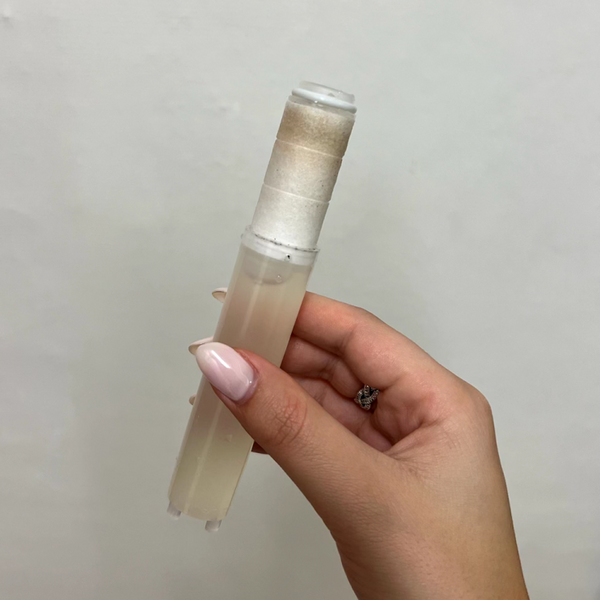 30 days
Salt Lake City, UT
Megan L.
“
My husband thought it was one of my random bathroom things. Then he saw the filter after a month and stopped joking.
M
Megan L.
Salt Lake City, UT
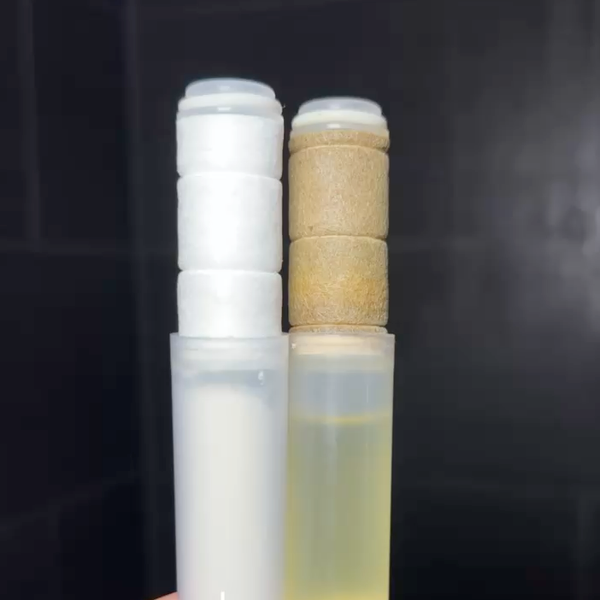 7 days
“
Vegas water is just rough. The first week already had enough buildup in the filter to make me glad I bought it.
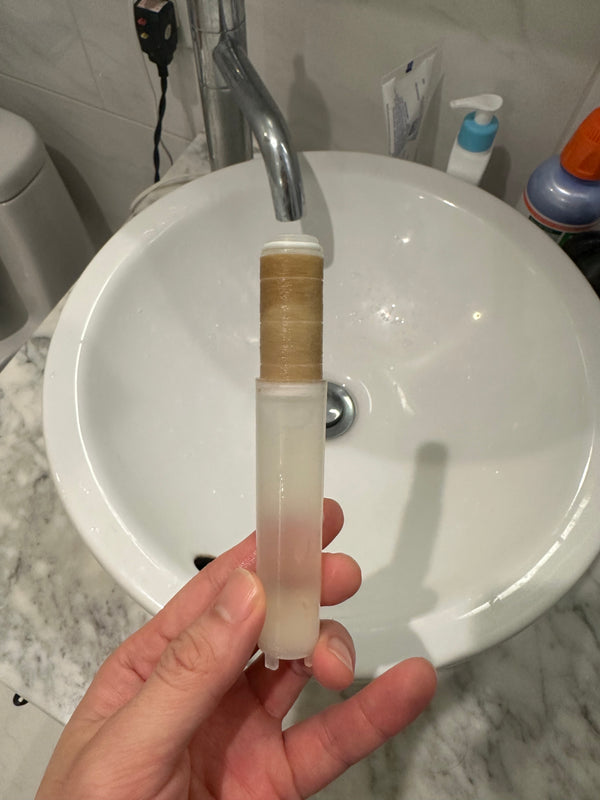 21 days
“
My legs used to get flaky right after showering. I'm still using lotion, but not nearly as much.
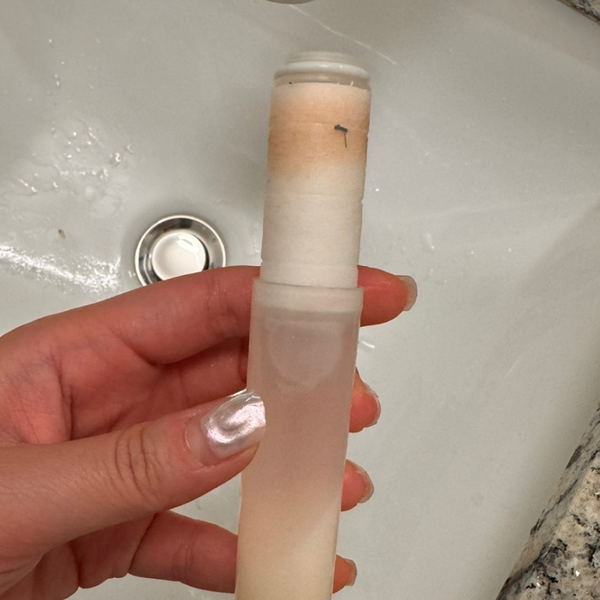 30 days
“
Didn't change my cleanser or routine. My face just stopped looking so irritated after showers.
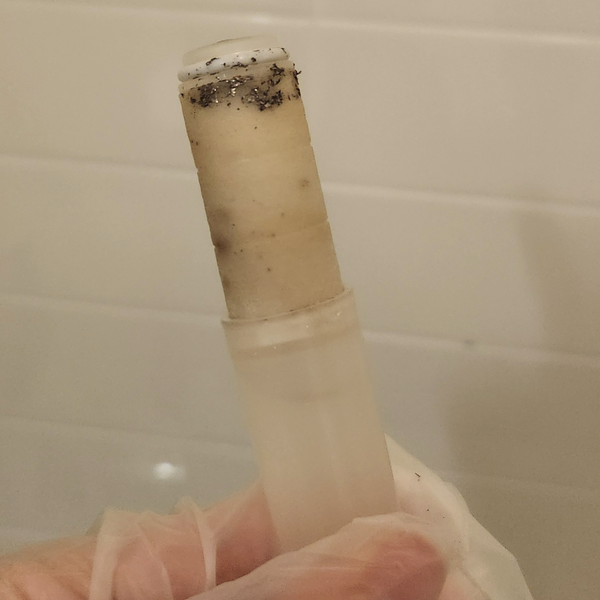 14 days
“
After moving to Tampa my skin felt off almost right away. The filter didn't fix everything, but showers don't leave me itchy now.
 21 days
“
I've always had annoying sensitive skin. Filtering the shower water is one of the few changes I could actually feel.
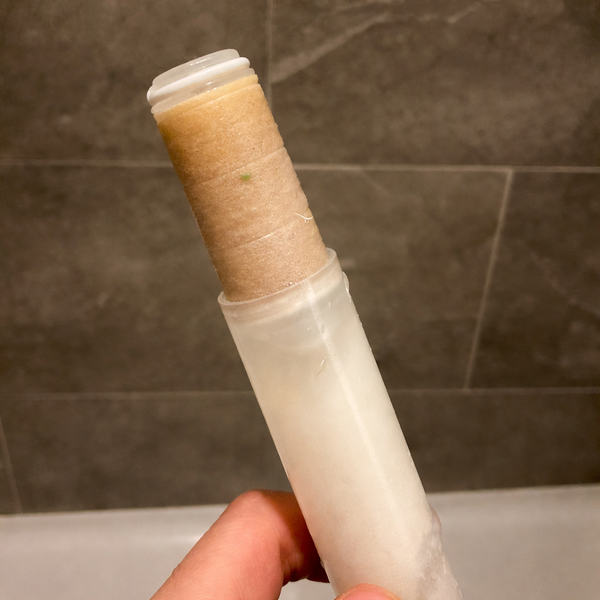 14 days
“
Bought it for my teenager's skin. The breakouts didn't magically disappear, but the redness after showers is a lot better.
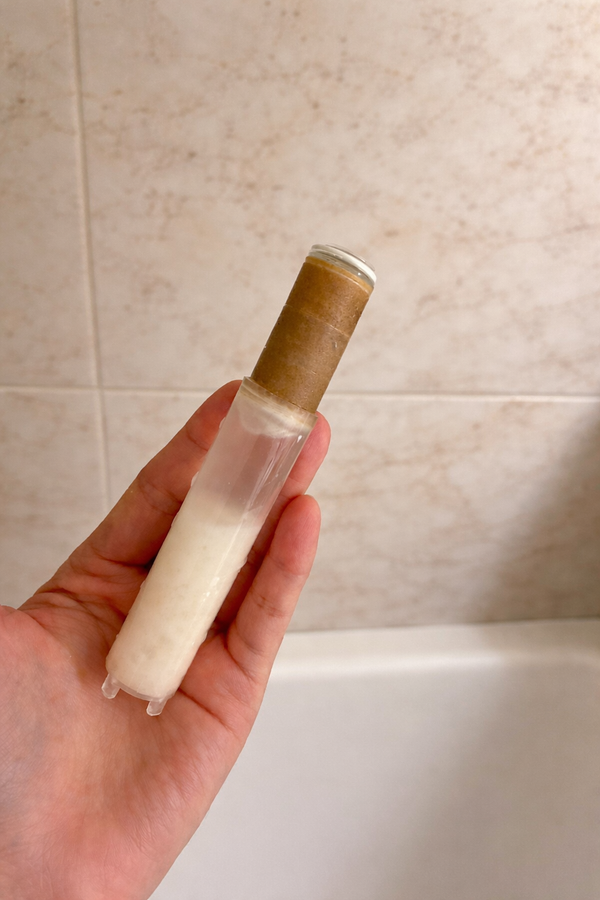 21 days
“
I do Brazilian blowouts, so I'm picky about shower water. My hair feels smoother and the treatment seems to last better.
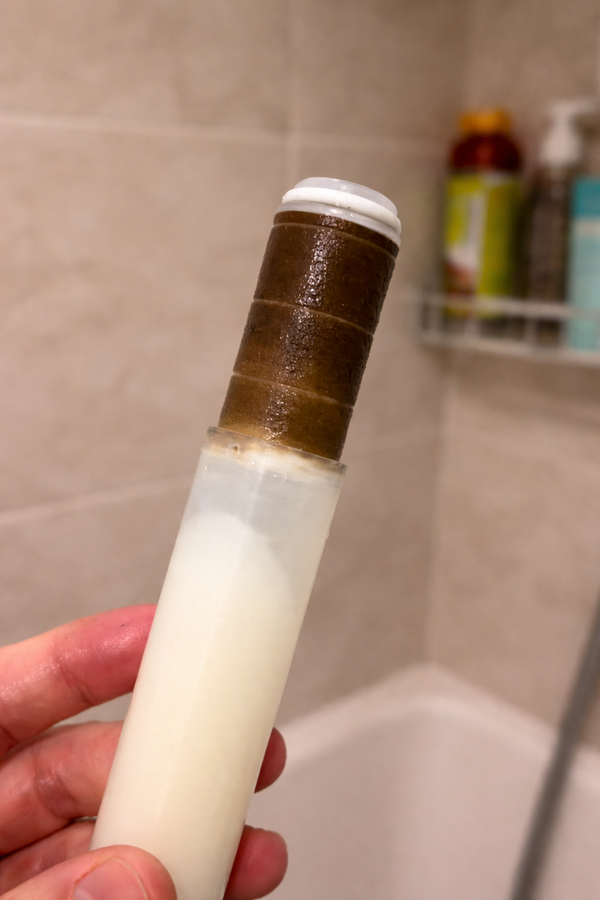 30 days
“
We're on our third filter now. Every time I swap it, I'm surprised all over again by how dirty it gets.
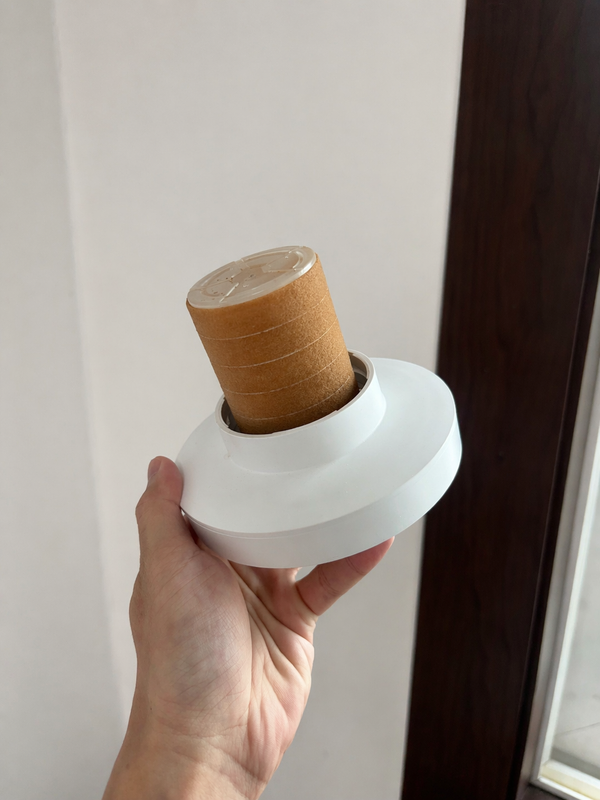 40 days
Philadelphia, PA
Daniel K.
“
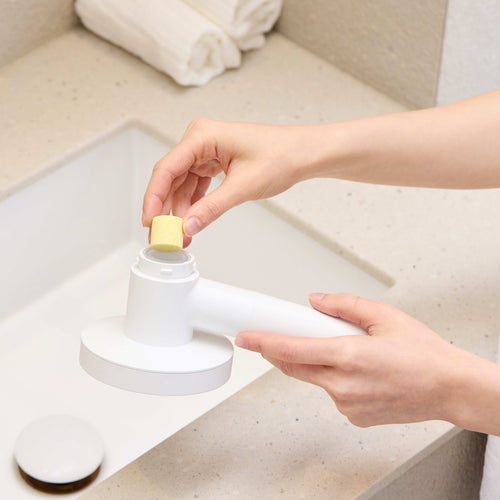
The chlorine smell is noticeably less, and replacing the filter takes seconds.
D
Daniel K.
Philadelphia, PA
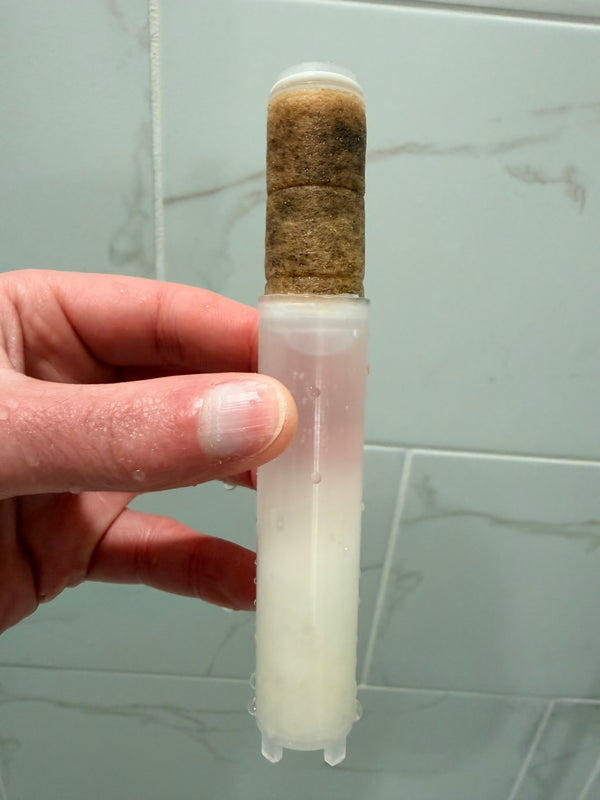 21 days
“
For as small as it is, we're surprised it has a good stream of water — almost a softer touch feel.
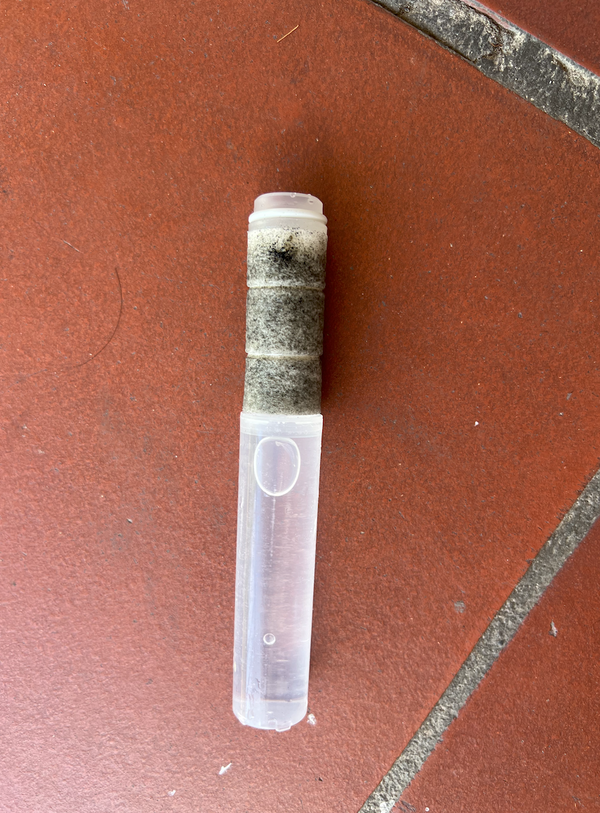 26 days
“
Before, [the chlorine] was literally the levels of the swimming pool.
 17 days
“
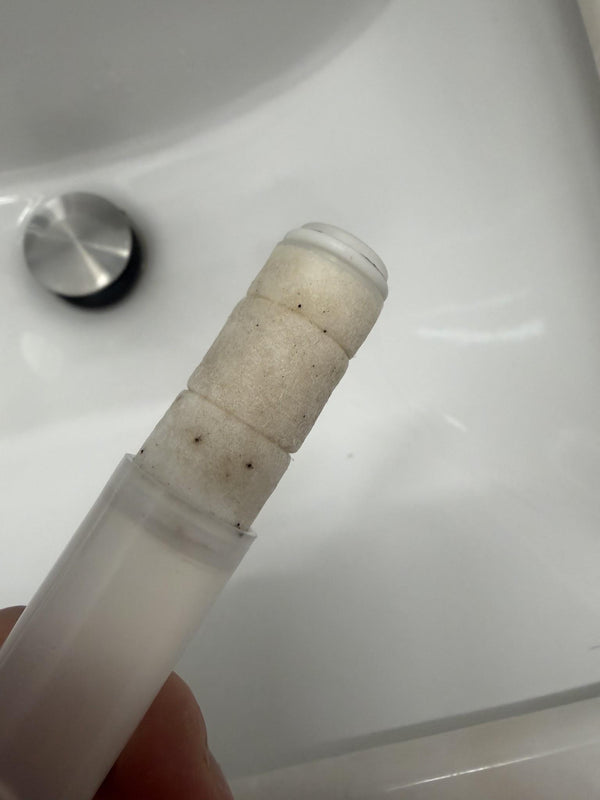
We've noticed a huge difference in our skin.
 24 days
“
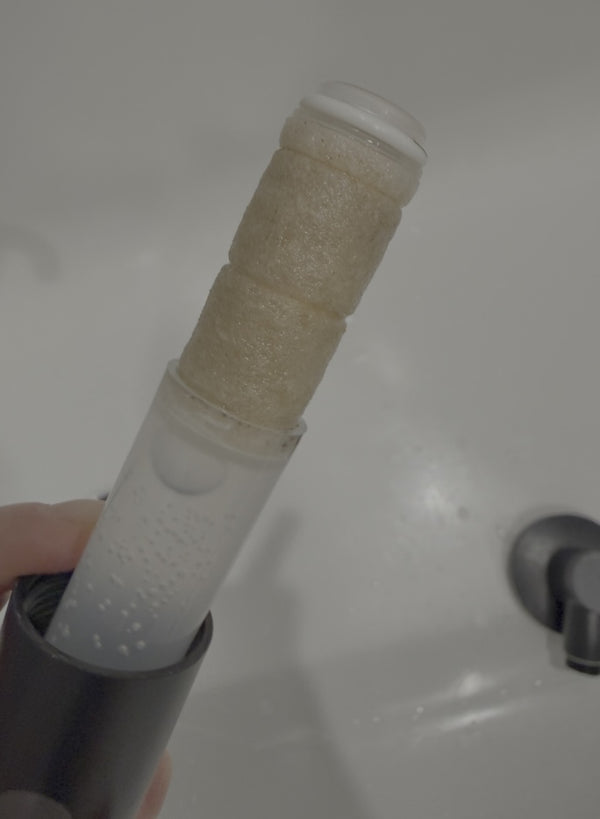
I thought: I'll be using this for the rest of my life.
 30 days
“
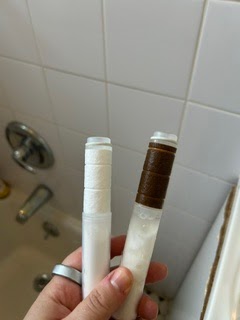
My skin definitely feels silky-soft, and the water doesn't smell.
 22 days
“
It's kind of crazy how dirty the water really is — just after one shower it's already pretty tinted.
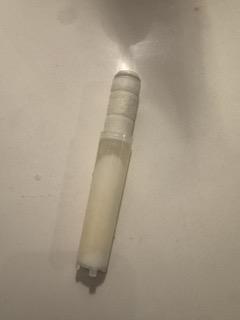 20 days
“
The way the water comes out, it makes it feel very velvety. It's very nice.
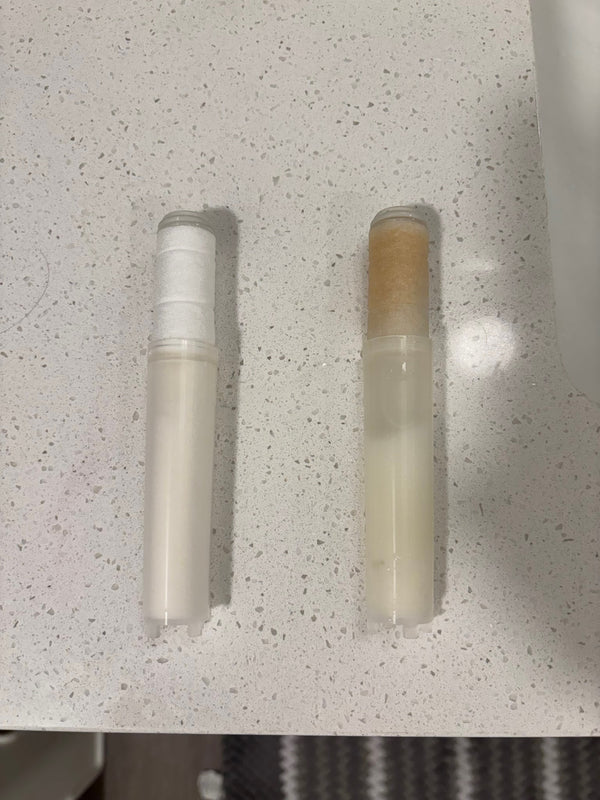 18 days
“
My hair definitely got softer.
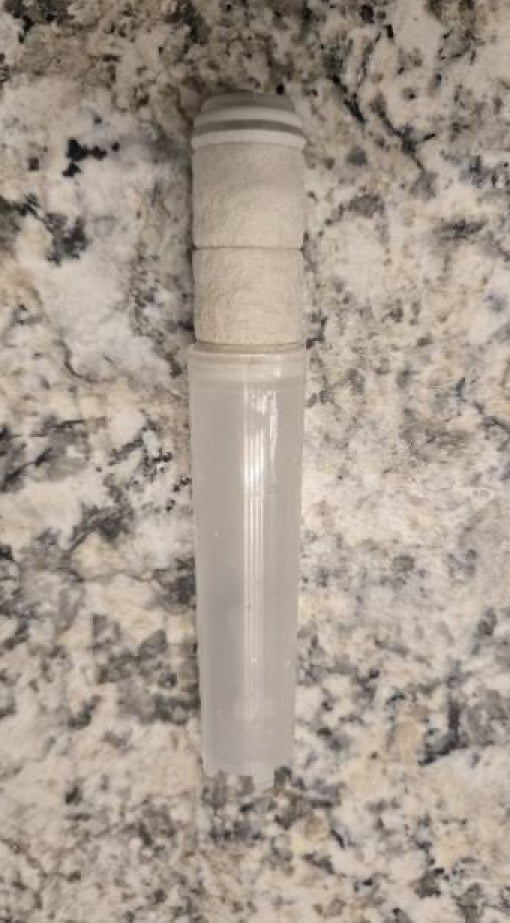 23 days
“
Since you can actually see the filter getting dirty, it puts my mind at ease.
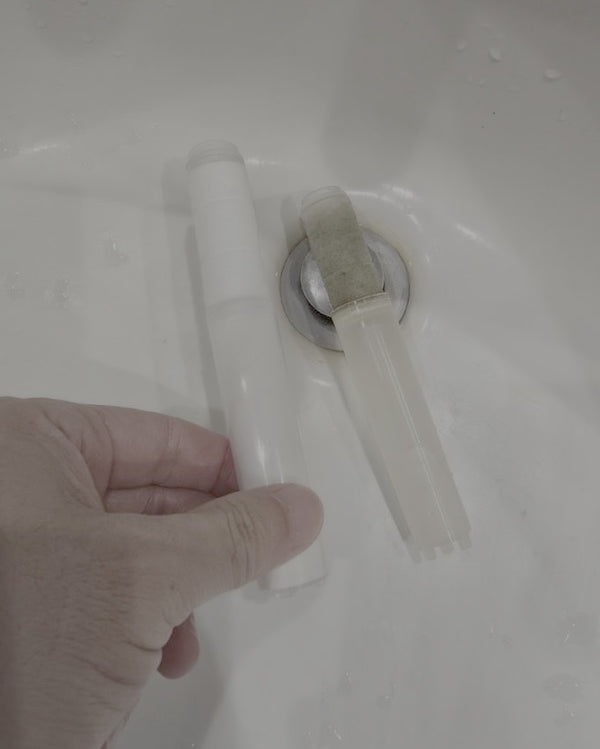 30 days
“
My hair feels softer and smoother now - noticeably less tangled than before.
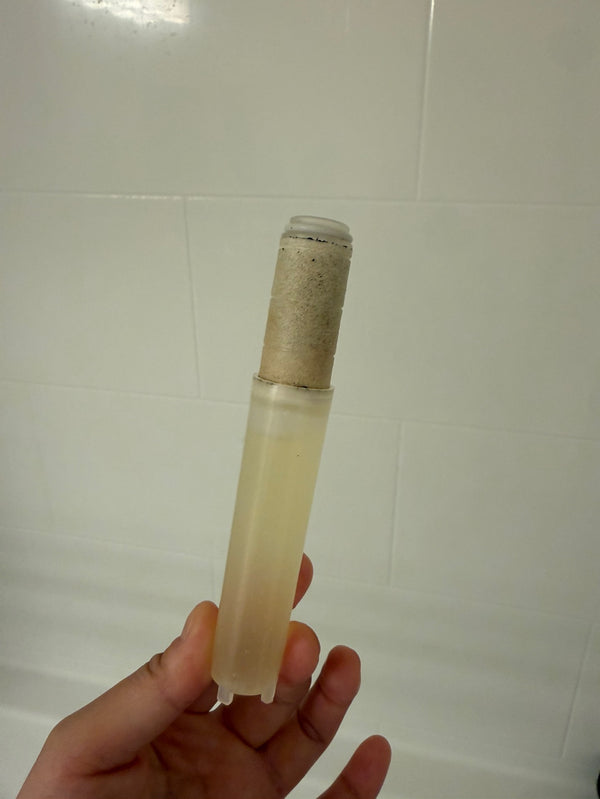 21 days
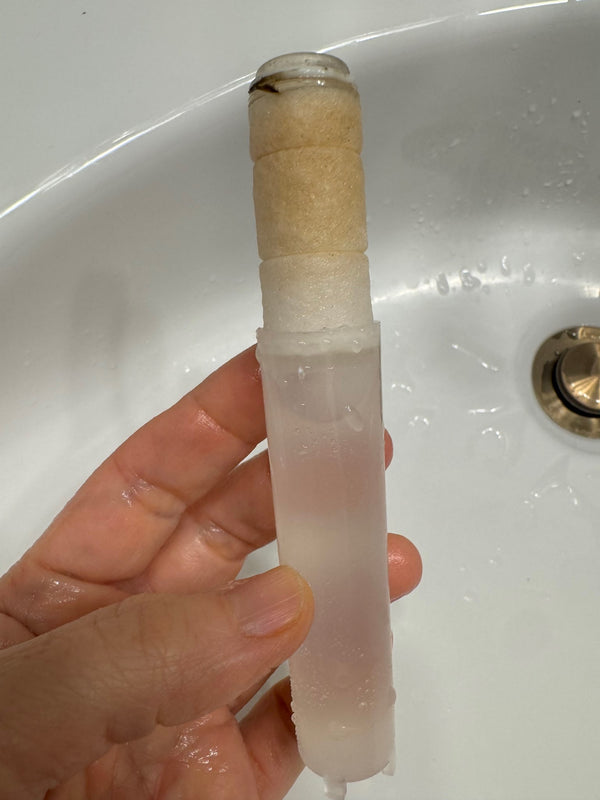 28 days
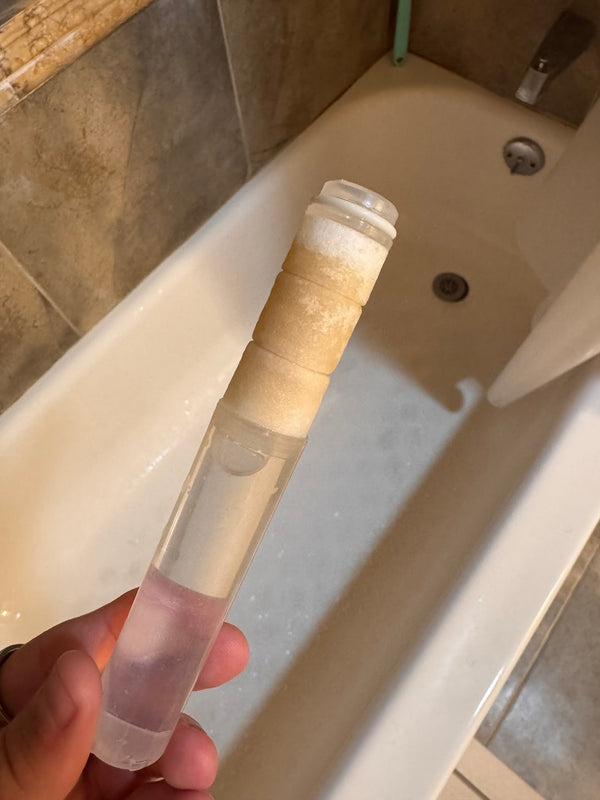 19 days
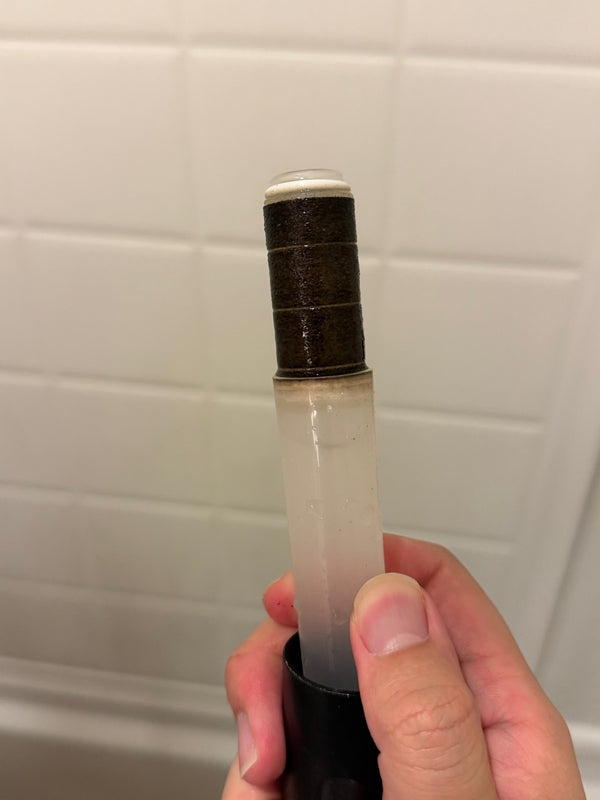 26 days
 17 days
 24 days
 15 days
 22 days
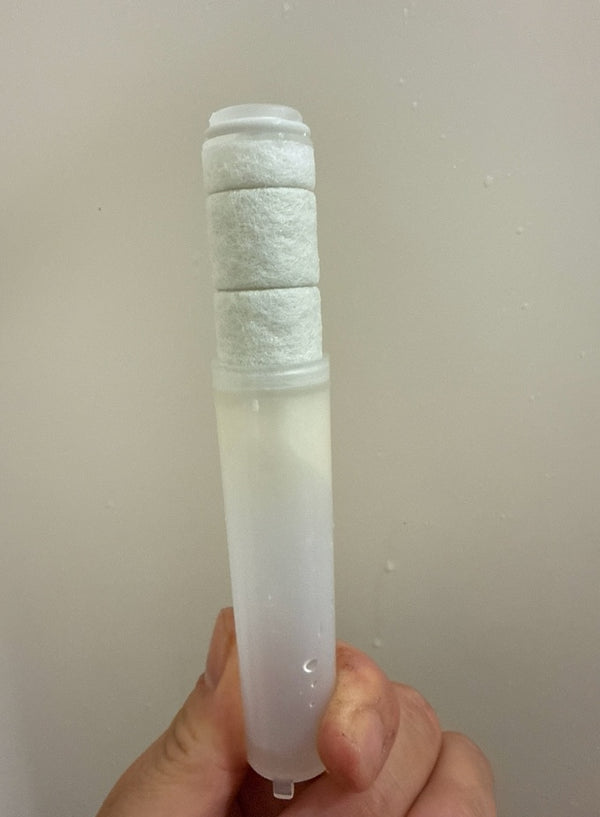 29 days
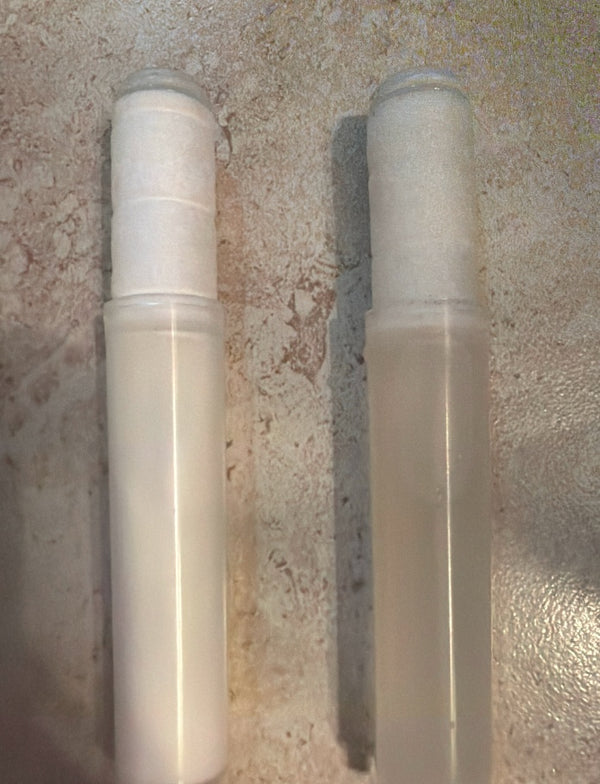 20 days
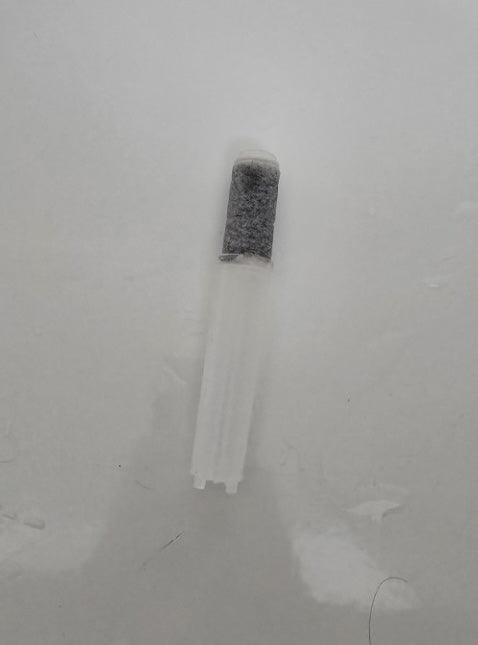 30 days
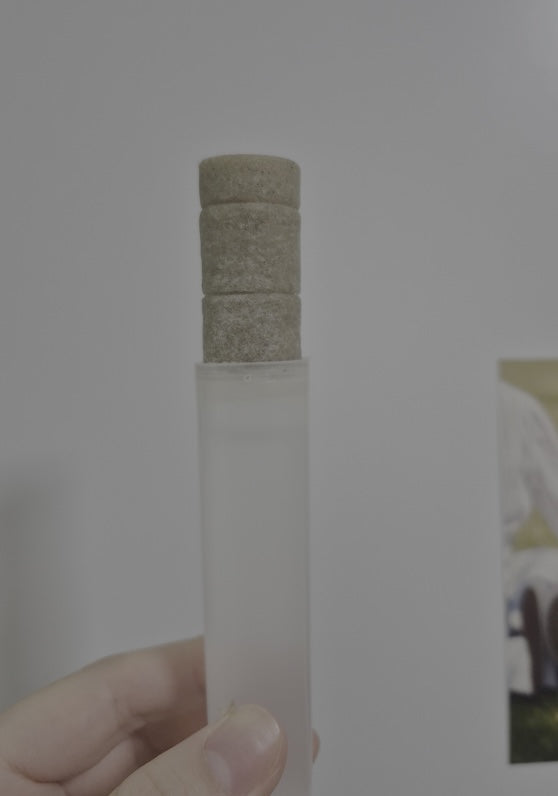 30 days
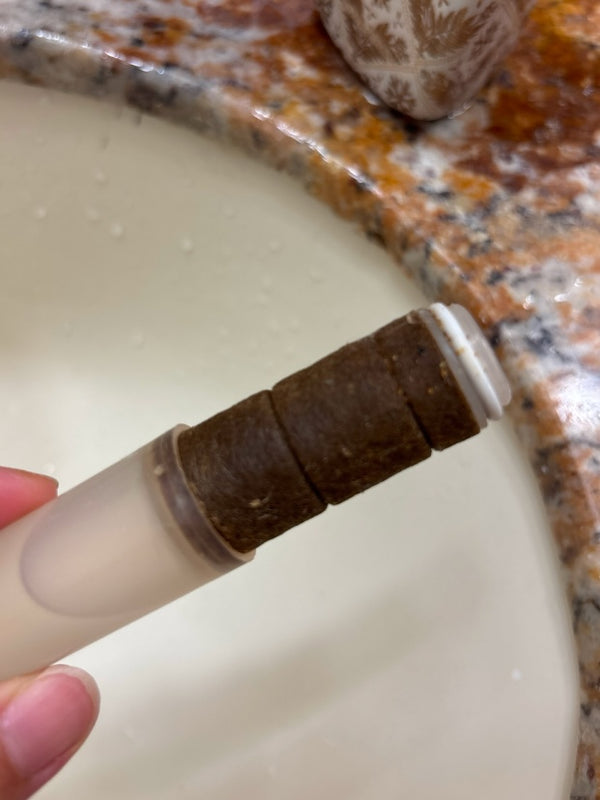 30 days
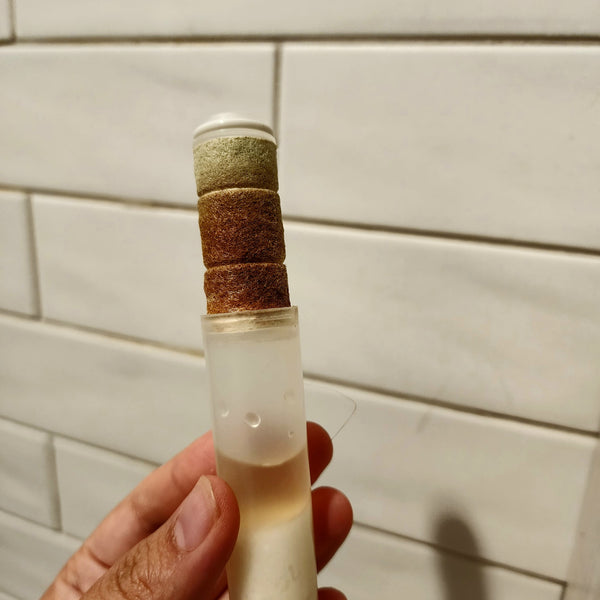 14 days
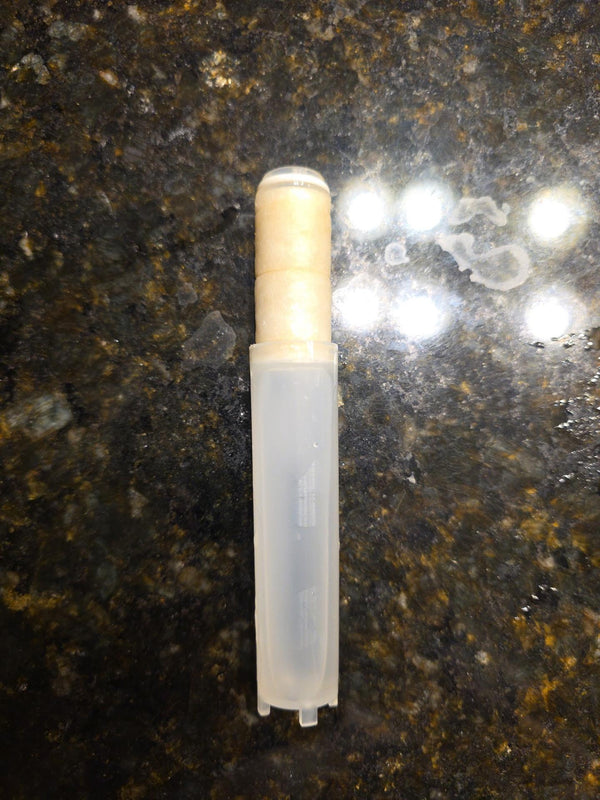 23 days
“
Normally there's a lot of buildup on the glass shower door. I definitely see a lot less - it definitely helps.
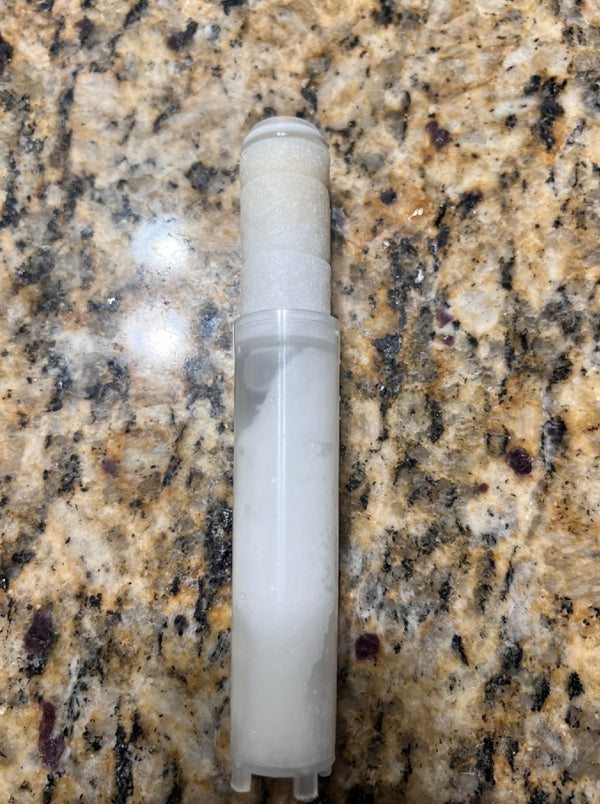 7 days
“
Honestly, the water just smells less now - that's what I noticed first.
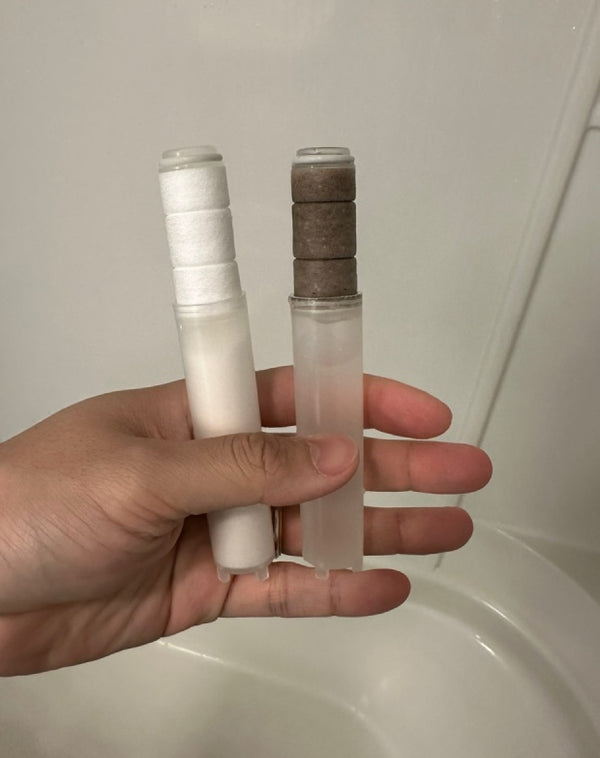 28 days
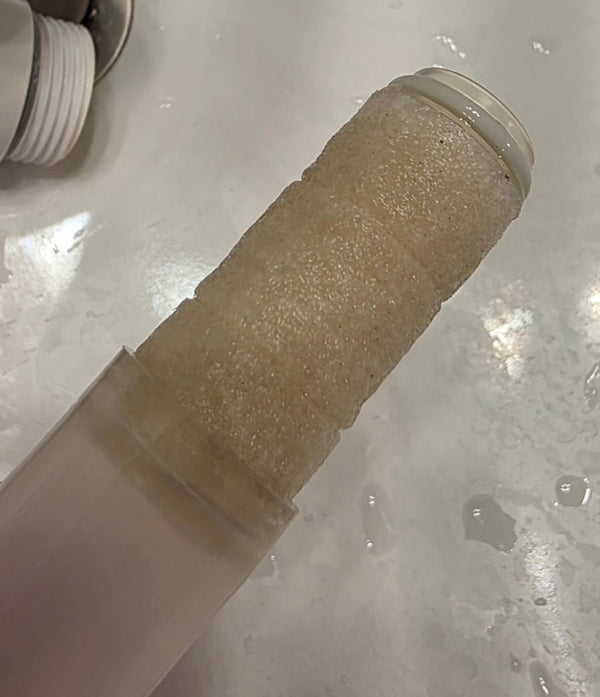 30 days
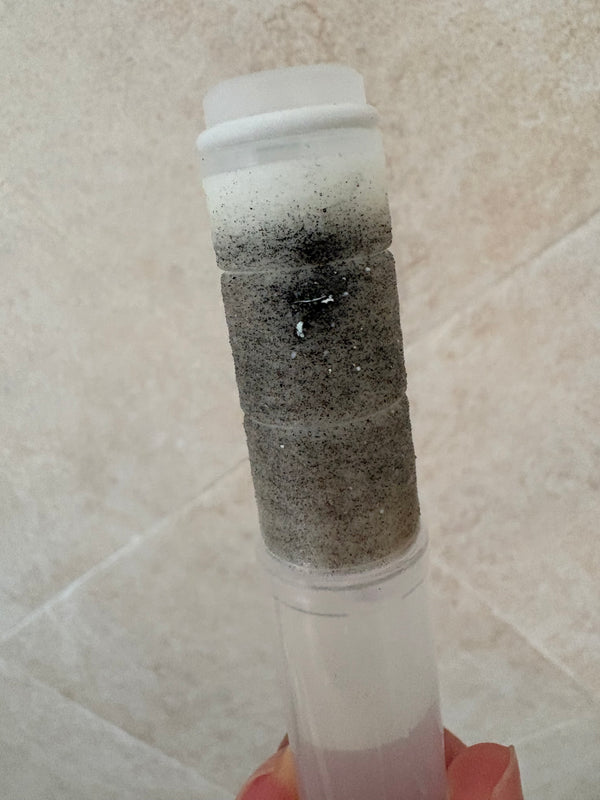 22 days
“
The water doesn't smell like chlorine, the water feels softer, and my skin and hair doesn't feel as dry.
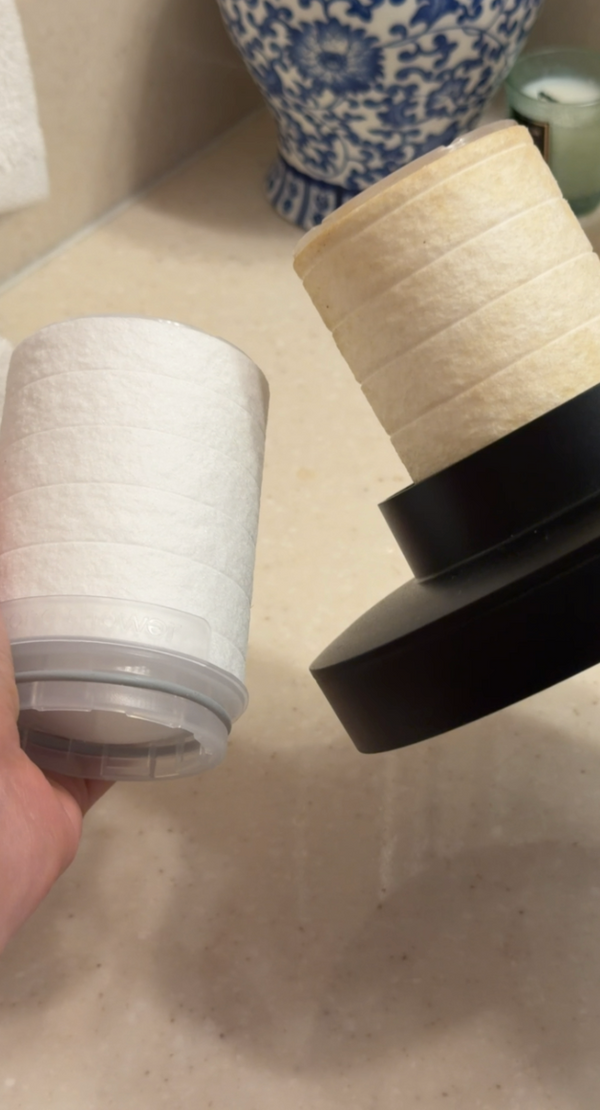 32 days
“
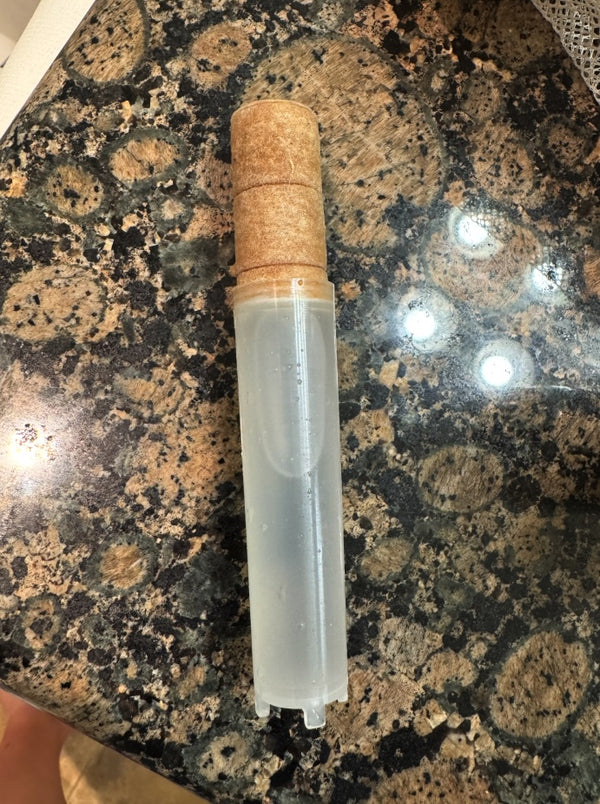
Difference in filter and had smoother hair!
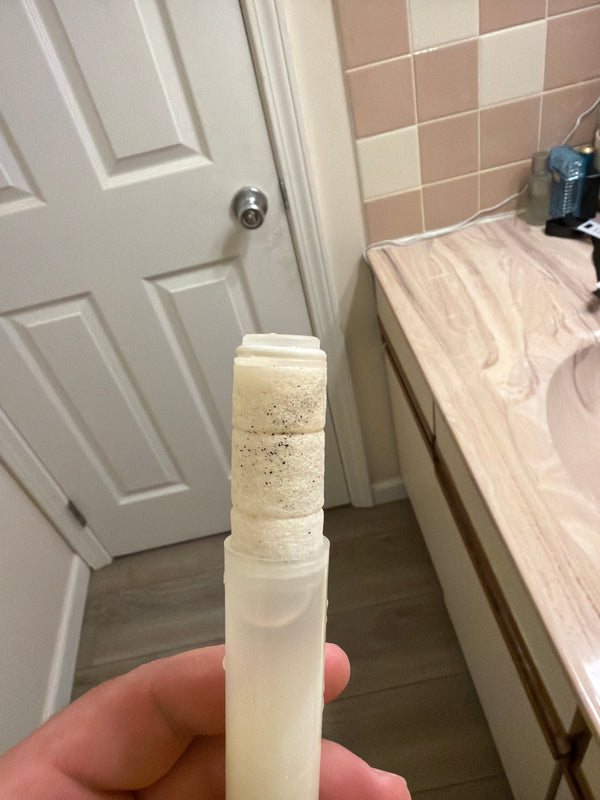 30 days
“
Cleared up my acne really well
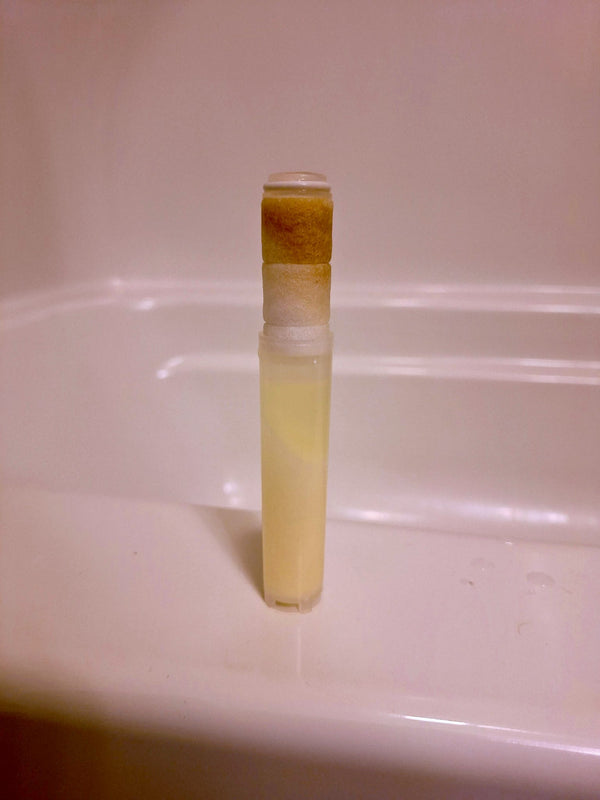 30 days
“
I was skeptical at first but I have to say my skin is not dry and scratchy anymore and my dandruff has significantly been reduced.
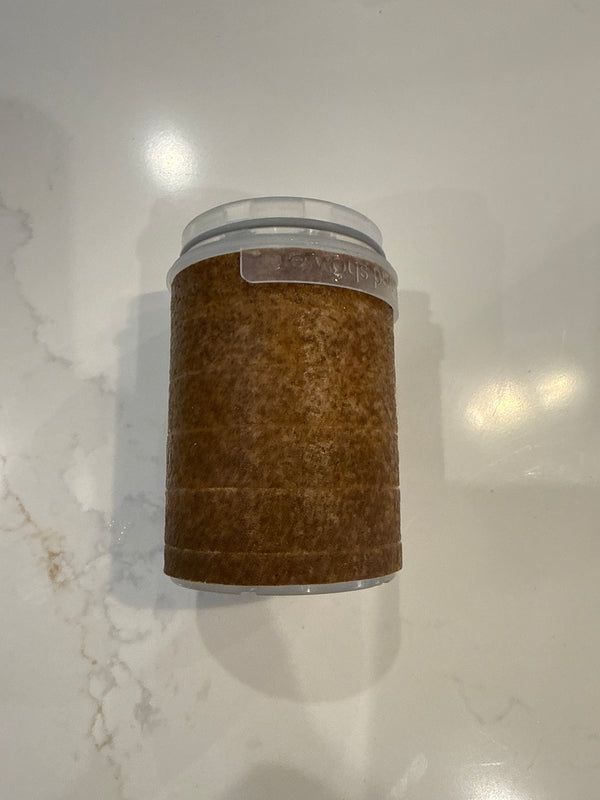 60 days
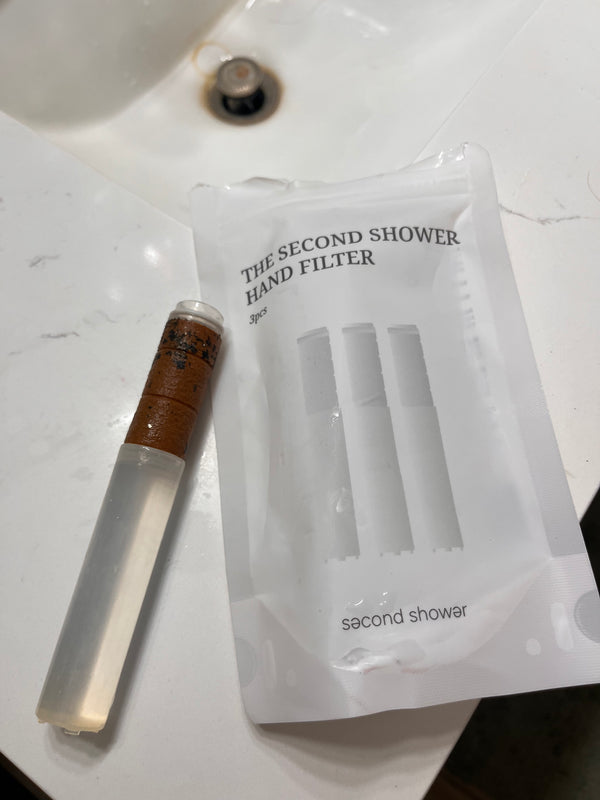 31 days
“
No dry skin and my hair feels a lot softer!
 8 days
“
i can definitely tell a difference in my skin not as dry and my hair. i have severe eczema on my fingers and this has really helped me.
An individual customer account. Filter color is not a measurement of chlorine removal or remaining filter life.